10 Essential Features Every Cleaning Business Software Needs
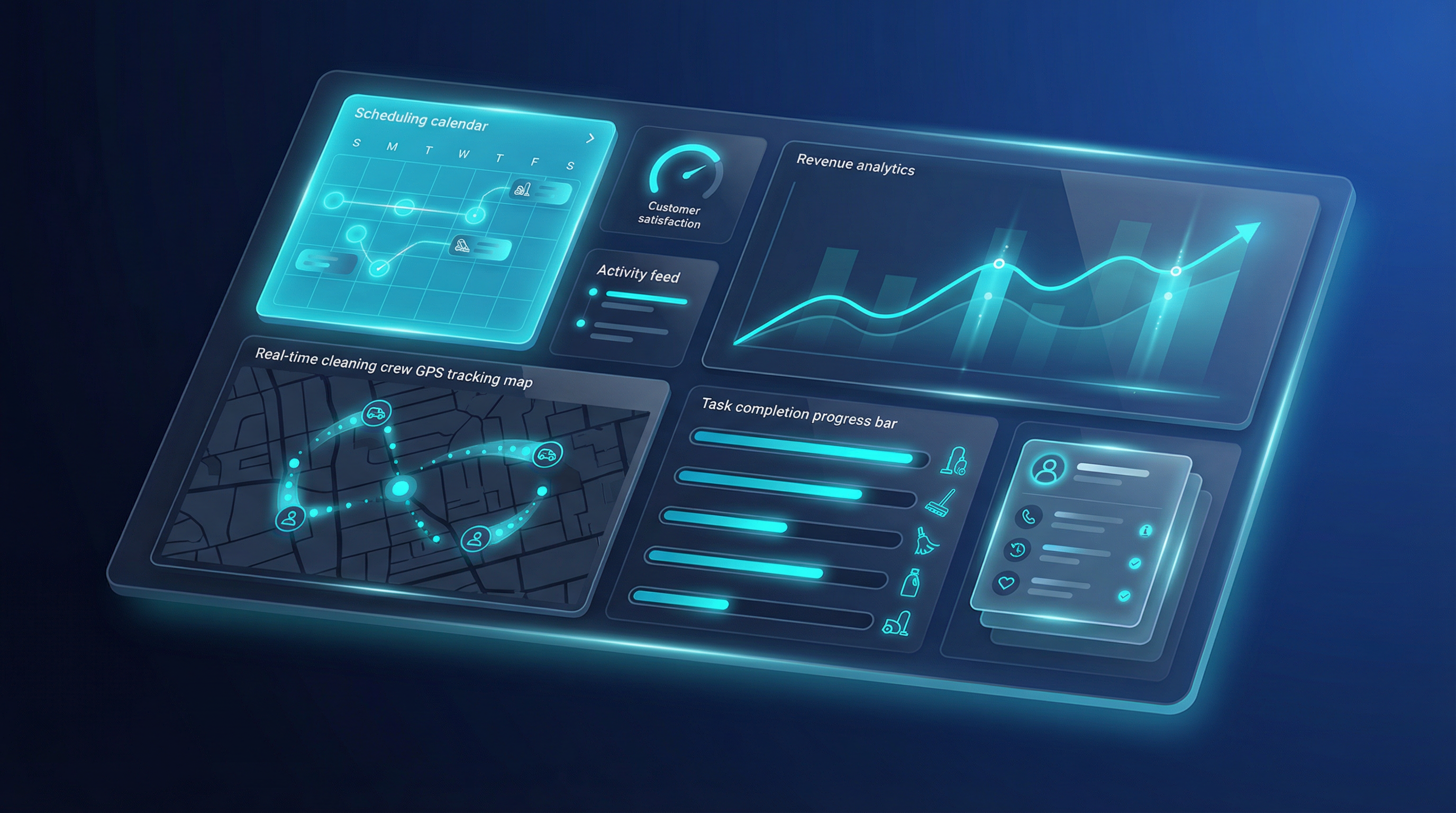
Choosing the right software for your cleaning business can feel overwhelming with dozens of options available. However, the best cleaning business software all share certain core features that streamline operations and boost profitability. After analyzing 79+ cleaning software solutions, we've identified the 10 essential features that truly make a difference.
1. Intelligent Scheduling and Dispatch
The foundation of any cleaning business is efficient scheduling. Modern cleaning software should offer drag-and-drop scheduling interfaces, automated recurring appointments, and smart dispatching that considers crew location and availability. Look for solutions that can handle complex scheduling scenarios like multi-location jobs, team assignments, and last-minute changes without creating chaos.
The best systems also send automatic reminders to both crews and clients, reducing no-shows by up to 40%. GPS-enabled scheduling ensures your teams arrive on time and helps optimize routes to minimize drive time.
2. Mobile-First Design
Your cleaning crews aren't sitting at desks—they're in the field. Software with robust mobile apps allows technicians to view schedules, access client information, complete digital checklists, and clock in/out with GPS verification. Mobile accessibility transforms how your team communicates and operates.
Look for offline functionality so crews can continue working even in areas with poor connectivity. When they reconnect, all data syncs automatically to your central system.
3. Comprehensive Client Management
Strong customer relationship management (CRM) features help you track client history, preferences, and communication. The software should store detailed property information, service history, special instructions, and billing details in one centralized location.
Advanced systems include automated follow-ups, satisfaction surveys, and review requests that help you maintain relationships and generate positive online reviews. Client portals where customers can view schedules, make payments, and request services add a professional touch.
4. Automated Invoicing and Payments
Manual invoicing wastes hours each week. Quality cleaning software generates invoices automatically after job completion, sends them via email, and accepts online payments through integrated payment processing. Look for systems that handle recurring billing for regular clients and offer multiple payment options including credit cards, ACH transfers, and digital wallets.
The best solutions also track payment status, send automated reminders for overdue invoices, and provide real-time financial reporting so you always know your cash flow situation.
5. GPS Time Tracking and Verification
Time theft and inaccurate timesheets can cost cleaning businesses thousands annually. GPS-enabled time clocks verify that employees are actually at job sites when they clock in and out. This feature provides accountability while protecting your business from payroll fraud.
Advanced systems create geofences around job sites and automatically track when crews arrive and depart. This data integrates with payroll systems to ensure accurate compensation while providing proof of service to clients.
6. Quality Control and Inspection Tools
Maintaining consistent quality across all jobs separates professional cleaning companies from amateur operations. Digital inspection checklists ensure crews complete every task, with photo documentation providing proof of work quality. Managers can review completed checklists remotely and address issues immediately.
Look for customizable checklists that adapt to different service types—residential cleaning requires different standards than commercial janitorial work. The ability to assign corrective actions and track resolution ensures quality issues don't become recurring problems.
7. Estimates and Proposal Generation
Winning new business requires professional, accurate quotes delivered quickly. The best cleaning software includes estimating tools that calculate costs based on square footage, service type, frequency, and local market rates. Templates create consistent, branded proposals that make your business look established and trustworthy.
Advanced systems track quote conversion rates and follow up automatically with prospects who haven't responded. Integration with your CRM means won quotes automatically convert to scheduled jobs without duplicate data entry.
8. Team Communication Hub
Scattered communication across text messages, phone calls, and sticky notes creates confusion and missed information. Integrated team chat, announcements, and task assignments keep everyone on the same page. Crews can report issues, request supplies, or ask questions without playing phone tag.
Look for systems with read receipts, file sharing, and the ability to create group channels for different teams or locations. Push notifications ensure urgent messages get immediate attention.
9. Reporting and Business Intelligence
You can't improve what you don't measure. Comprehensive reporting shows revenue trends, crew productivity, customer retention rates, and profitability by service type. The best systems offer customizable dashboards that highlight your most important metrics at a glance.
Advanced analytics help identify your most profitable services, best-performing crews, and customers at risk of churning. This data-driven approach enables strategic decisions about pricing, staffing, and business growth.
10. Integration Capabilities
Your cleaning software shouldn't exist in isolation. Look for solutions that integrate with accounting software (QuickBooks, Xero), payment processors (Stripe, Square), marketing tools (Mailchimp, Constant Contact), and review platforms (Google, Yelp). These integrations eliminate duplicate data entry and create a seamless technology ecosystem.
API access allows custom integrations with specialized tools your business relies on. The more connected your systems, the more time you save on administrative tasks.
Making Your Decision
Not every cleaning business needs every feature immediately. Start by identifying your biggest operational pain points—whether that's scheduling chaos, payment collection, or quality control—and prioritize software that excels in those areas.
Most quality cleaning software offers free trials. Test 2-3 options with your actual team and workflows before committing. Pay attention to ease of use, mobile experience, and customer support quality. The best software is the one your team will actually use consistently.
Remember that software is an investment, not an expense. The right system pays for itself through time savings, reduced errors, improved cash flow, and the ability to serve more clients without hiring additional administrative staff.